
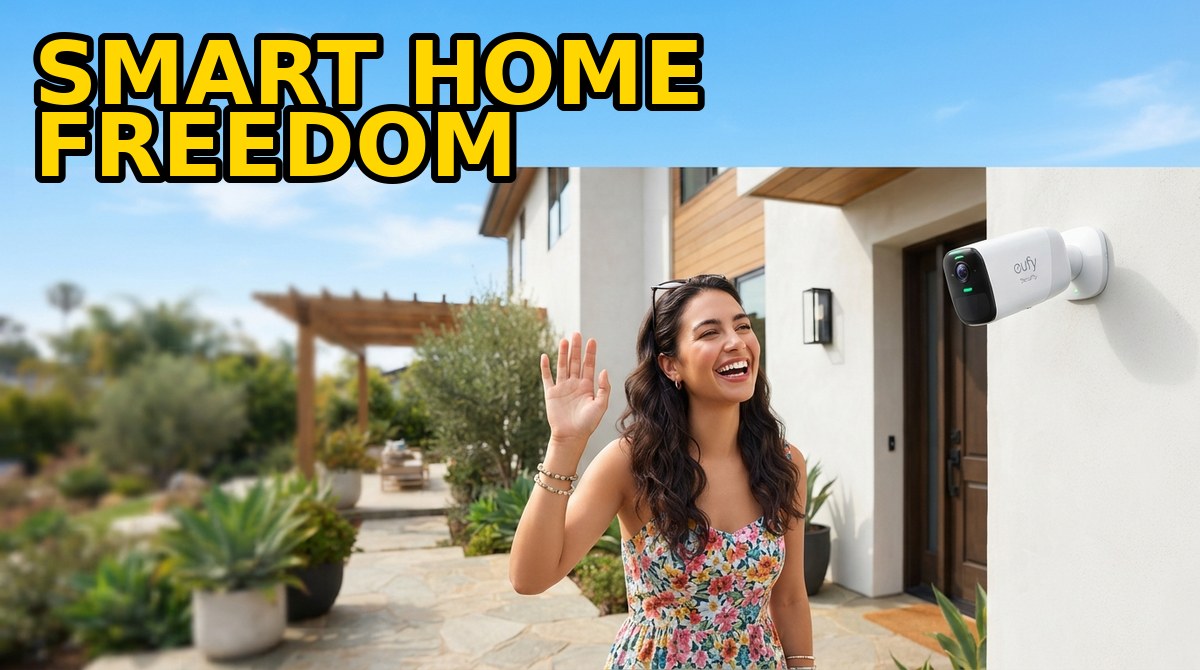
Building a Subscription-Free Smart Home in 2026: The Complete eufy Guide
How to plan cameras, doorbells, locks and robot vacuums that store data locally — with zero monthly fees. A practical, room-by-room roadmap that turns a one-time purchase into years of protection.
🎯 What “Subscription-Free” Really Means
A subscription-free smart home is one where the gear you buy keeps doing its full job without a monthly bill attached. That distinction matters more than it sounds. Most mainstream security brands ship hardware at an attractive price, then gate the features you actually rely on — cloud recording, extended event history, person and package detection, rich smart alerts — behind recurring plans that quietly outgrow the cost of the cameras themselves. A $40 doorbell that needs a $10-a-month plan to save clips is really a $160-a-year commitment.
Going subscription-free flips that model. Instead of renting access to your own footage, you own it outright: video lives on a local hub or on the device, features are unlocked at purchase, and the system keeps working for years with no invoice in sight. eufy is the brand that has built its entire ecosystem around this promise, which is why it anchors this guide — but the planning principles apply to any local-first setup.
💾 Local Storage vs. the Cloud
The core of any subscription-free build is where your footage goes. Cloud systems stream every clip to a remote server — convenient, but it means an ongoing fee, a dependence on someone else’s servers, and your private video sitting on infrastructure you don’t control. Local storage keeps recordings in your home: on a eufy HomeBase hub with a built-in drive, on a microSD card inside the camera, or on an NVR for larger installations.
The trade-offs are worth understanding. Local storage means no monthly cost, faster access to clips, and video that never leaves your property. The cloud’s advantage is that footage survives if a thief steals the camera or hub — which is why the smart move is a hybrid: local as the default, with optional encrypted cloud backup only for the handful of cameras guarding critical entry points.
🔒 Devices That Avoid Monthly Fees
Not every smart-home category is created equal when it comes to fees. Here’s where you can go subscription-free without compromise:
Cameras & doorbells: eufy’s lineup records locally by default — the eufyCam S4 (triple-lens bullet-PTZ) and solar-powered S3 Pro for the perimeter, and the dual-camera Video Doorbell E340 for front-door package detection. AI person detection runs on-device, so you get smart alerts with no plan.
Smart locks & sensors: eufy smart locks with keypad and app entry, plus door and window sensors, all report into one dashboard with no ongoing cost.
Robot vacuums: Cleaning hardware almost never carries a subscription, and eufy is no exception — the Robot Vacuum Omni S2 (up to 30,000 Pa with a HydroJet™ self-washing mop), the X10 Pro Omni, and the budget-friendly Omni E25 all run entirely on a one-time purchase.
📍 Step 1: Map Your Perimeter
Start outside. Cover entry points and blind spots with 4K cameras such as the eufyCam S4 or the solar-powered S3 Pro, and pair a Video Doorbell E340 at the front door. Aim for overlapping fields of view so no approach is unseen, and prioritise driveways, back doors and ground-floor windows — the paths intruders actually use.
🔒 Step 2: Lock Down Entry
Add eufy smart locks with keypad and app entry to eliminate hidden keys, and an alarm system with entry sensors on doors and windows. Because everything lives in one ecosystem, a triggered sensor can automatically cue nearby cameras to record — turning isolated gadgets into a coordinated system.
🧹 Step 3: Automate the Cleaning
A subscription-free smart home should clean itself too. The Robot Vacuum Omni S2 handles daily upkeep hands-free, while value models like the X10 Pro Omni and Omni E25 cover smaller homes without stretching the budget. None of them ever ask for a monthly fee to keep mopping.
⚙️ Step 4: Tie It Together & Setup Tips
Use the eufy app to create routines: lights on when the doorbell detects motion, the vacuum pauses when someone is home, and alerts push only for person detection to cut false alarms. A few setup habits pay off for years: mount cameras 8–10 feet high angled slightly down, put the HomeBase on a wired Ethernet connection where possible for reliability, enable two-factor authentication on your eufy account, and let SolarPlus™ panels keep outdoor cameras charged so maintenance stays near zero.
💰 The Cost Comparison
Consider a modest four-camera setup with a doorbell. A subscription brand might cost around $400 in hardware — but a multi-camera cloud plan at roughly $15–$30 per month adds up to $900–$1,800 over five years, more than doubling the true price. A comparable eufy build with a HomeBase runs a higher up-front figure, then costs nothing to keep running. By year two the subscription-free system is already the cheaper option, and by year five the gap is dramatic.
❓ Frequently Asked Questions
Do I need internet for eufy to record?
Recording is local, but Wi-Fi is used for remote viewing and alerts. Some cameras and baby monitors offer hybrid modes that work with or without Wi-Fi.
How much storage do I need?
A HomeBase with a 1–2 TB drive comfortably holds weeks of multi-camera 4K footage; higher-end NVR systems scale to 8 TB.
Is subscription-free less secure than cloud?
No. Local recordings are AES-encrypted and never leave your home. For critical cameras you can add optional cloud backup, giving you the best of both without a blanket monthly fee.
Can I mix eufy security and cleaning devices?
Yes. Security lives in the eufy Security app and vacuums in eufy Clean, but both share the same account and ecosystem philosophy.
Read next



Travel Hacks Guide Editorial Standards & Testing Methodology
At Travel Hacks Guide, we independently evaluate car rentals, international eSIMs, flight booking engines, and travel insurance. We never accept payment for ranking or recommendations. When you book via links on our site, we may earn an affiliate commission at no extra cost to you.