
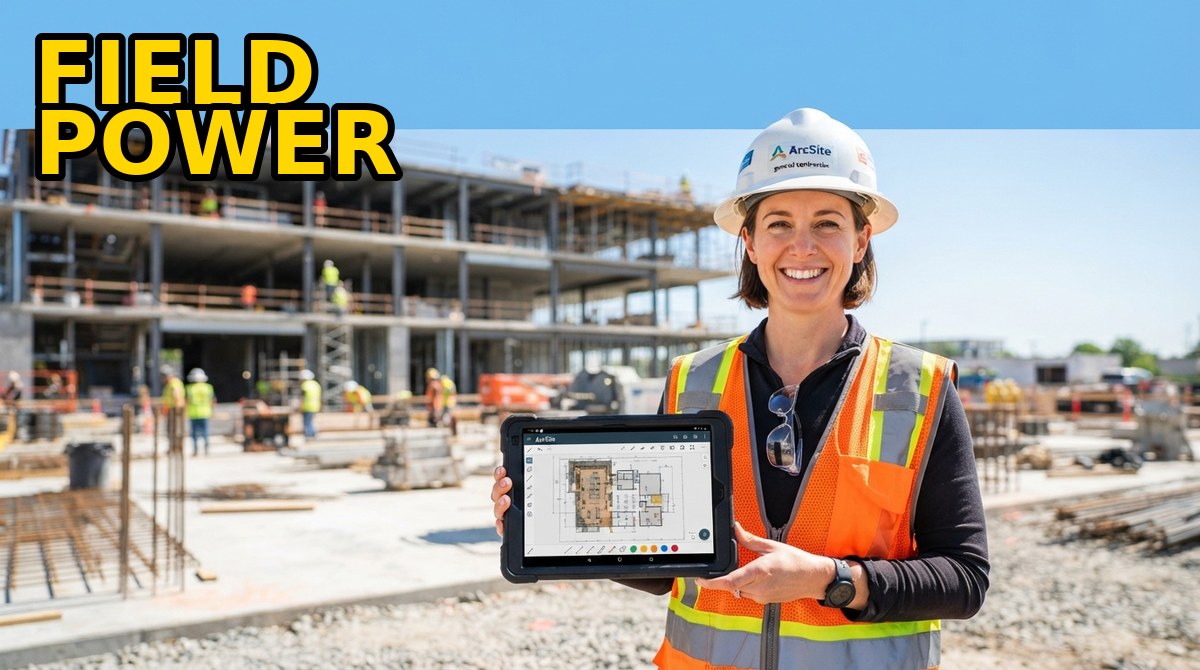
If you are still sketching jobsites on graph paper and re-entering measurements at the office, ArcSite is the mobile CAD app that turns your tablet into a complete field office. With more than 21 million drawings, takeoffs, and proposals already created on the platform and plans starting at just $10 per month, it promises to shrink a three-hour estimating session into a 45-minute on-site close. Here is what our in-depth analysis found.
Start Your Free 14-Day Trial →
📋 Quick Verdict
ArcSite is a mobile-first CAD, takeoff, estimating, and payment platform built for people who work in the field, not at a desk. Instead of drawing on paper and redoing the work on a desktop app, you sketch to scale right on your phone or tablet at the jobsite, and ArcSite calculates measurements, quantities, and pricing from those drawings in real time. Customer stories on the site include a lead estimator who closed a $42,000 fencing job in about 45 minutes on the first day of use, and a team that reported close rates up over 70% after switching to on-site estimates.
Our analysis found the pricing model refreshingly transparent: five tiers from a $10/month Draw Basic plan for DIYers up to a custom Enterprise option for multi-location franchises, with no long-term contracts and a free 14-day trial on every paid plan. The sweet spot for most professional contractors is Draw Pro at $30/month (billed annually), which adds unlimited projects, team accounts, satellite maps, the AR Room Scanner, and exports to PNG, PDF, DXF, and DWG.
The verdict: if your work involves measuring spaces, sketching layouts, counting materials, or quoting jobs from a van, ArcSite is one of the most complete field drawing tools we have evaluated, and it replaces a pile of paper, spreadsheets, and separate estimating apps. It is not a full architecture-grade CAD package, and the takeoff and estimate tiers cost real money, but for contractors who sell from drawings it is hard to beat. Our review found it deserves a strong recommendation, and the 14-day trial costs nothing to verify.
✅ Pros
- True mobile CAD: draw to scale anywhere, on iOS, Android, or Windows
- Automated material takeoffs tied directly to your drawings
- AR Room Scanner works with LiDAR-equipped Apple devices
- Estimates, branded proposals, e-sign approvals, and payments in one app
- Real integrations: Salesforce, QuickBooks, ServiceTitan, Moasure, Jobber
- Exports to PNG, PDF, DXF, and DWG for clients and engineers
- SOC 2 Type II, ISO 27001, and GDPR compliance on paid plans
❌ Cons
- Draw Basic covers sketching only, no takeoffs, estimates, or payments
- Takeoff and Estimates tiers are pricey for solo operators
- API access and advanced reporting are locked to higher plans
- Built around tablets, so desktop Windows use feels secondary
- Custom shape and product libraries take time to set up per trade
- No permanently free tier, only a 14-day trial
- Not a substitute for desktop CAD like AutoCAD or Revit on complex jobs
🤔 What Is ArcSite?
ArcSite is a field service platform that combines mobile CAD drawing, material takeoffs, estimating, proposals, invoicing, and payments into a single app. The company describes it as “field software for contractors”: you capture the jobsite, draw to scale with your finger or stylus, drop in industry-specific shapes, and the app automatically calculates dimensions, quantities, and material lists from what you sketched. From there you generate a branded proposal, collect a digital approval or down payment, and invoice the client, all before you leave the site.
Launched as a mobile-first tool and available on iOS, Android, and Windows, ArcSite now reports more than 21 million drawings, takeoffs, and proposals created on the platform, backed by over 21,000 reviews and strong ratings across Software Advice, GetApp, and Capterra. It serves more than 50 industries, from basement waterproofing and concrete to fencing, turf, HVAC, plumbing, and fire inspection, and its integrations with Salesforce, QuickBooks, ServiceTitan, Moasure, and Jobber let it slot into an existing business workflow instead of replacing it.
⚙️ Key Features
On-Site Mobile CAD Drawing
The core of ArcSite is a purpose-built CAD engine for touch screens. You sketch floor plans, fence lines, landscaping layouts, or utility schematics to exact scale in the field, with unlimited projects and drawings on paid plans, layers and versioning to keep revisions organized, and satellite map access to trace property lines. Industry-specific and custom shape libraries mean a roofer drags in roof shapes while a landscaper drags in turf and irrigation components, and every drawing keeps its measurement data attached.
AR Room Scanner
On LiDAR-equipped Apple devices, the AR Room Scanner lets you walk a room and capture its geometry automatically, then refine it into a clean CAD drawing. It is a genuine time-saver for interior work like waterproofing, flooring, and inspection, converting a 20-minute tape-measure session into a quick scan that exports to PNG, PDF, DXF, or DWG for engineers and architects.
Automated Material Takeoffs
Drawings in ArcSite are not just pictures: every line carries quantity data. The Takeoff plan adds automated material takeoffs against a custom product library and a digital price book, with product bundles, images, and videos so crews see exactly what to order. Topographic heatmaps help with drainage, grading, and site-prep projects where elevation matters.
Estimates, Proposals & Payments
On the Estimates plan, a drawing becomes a branded proposal with customized templates, digital approvals with e-signature, and direct links to payments. You can collect down payments when clients are ready to sign, issue invoices, set up payment and service plans, handle change orders, and even offer client financing, which is how contractors close larger jobs on the spot.
Photos, Markups & Custom Forms
Unlimited photo uploads anchor drawings to reality, with annotation and markup tools for redlining. Custom forms let you standardize data collection on every visit, so inspectors and estimators capture the same fields every time, and template libraries keep the paperwork consistent across the whole team.
Team Collaboration & Integrations
Cloud backup and cross-device sync keep a jobsite sketch available on the office computer minutes later, with shared team accounts and real-time collaboration. Native integrations cover Salesforce, QuickBooks, ServiceTitan, Moasure, and Jobber, and the Estimates plan unlocks advanced integrations and API access for businesses that run on custom stacks.
💰 Pricing & Plans
ArcSite publishes its prices openly, with a roughly 20% discount for annual billing and a 14-day free trial on every plan. There are no long-term contracts: you can cancel at any time. The table below shows the current published pricing as of this review.
| Plan | Monthly billing | Annual billing | Best for |
|---|---|---|---|
| Draw Basic | $14.99/mo | $10/mo | DIYers sketching personal projects |
| Draw Pro | $34.99/mo | $30/mo | Contractors needing job-ready drawings |
| Takeoff | $119.99/mo | $99/mo | Teams pricing jobs with material lists |
| Estimates | $159.99/mo | $129/mo | Pros closing in the field with payments |
| Enterprise | Custom | Custom | Multi-location & franchise organizations |
Every paid plan includes the 14-day trial, cloud backup, cross-device compatibility, unlimited photo uploads, and chat and phone support; SOC 2 Type II, ISO 27001, and GDPR compliance is included on Draw Pro and above. Prices can change, so check current pricing on the site before you commit.
⚔️ ArcSite vs. Competitors
| Capability | ArcSite | Moasure | Jobber | ServiceTitan |
|---|---|---|---|---|
| Primary focus | Mobile CAD, takeoffs & estimates | Laser measuring device & app | Field service management | Trade business management |
| On-site scaled drawing | Yes, full mobile CAD | Measurement data, not drawings | No | No |
| Material takeoffs | Automated from drawings | No | No | Partial |
| Estimates & proposals | Yes, from the drawing | No | Yes, quotes | Yes |
| Payments & invoicing | Yes, in app | No | Yes | Yes |
Moasure is a brilliant measuring tool and ArcSite even integrates with it, but it captures measurements rather than producing sellable drawings. Jobber and ServiceTitan are strong back-office and scheduling platforms, yet neither starts from a scaled drawing the way ArcSite does. Our analysis shows the real differentiator: ArcSite treats the sketch as the source of truth, so the takeoff, the proposal, and the invoice are all generated from one on-site drawing, which is exactly what makes estimates faster and close rates higher in the field.
🎯 Who Should Use ArcSite?
- Contractors and estimators who quote fencing, concrete, decks, gutters, turf, roofing, or flooring from site measurements
- Landscapers and irrigation pros who need scaled layouts, topographic heatmaps, and plant or material takeoffs
- HVAC, plumbing, and electrical companies that sketch system layouts and want photos and markups attached to each job
- Building, fire, and security inspectors who need accurate field drawings and standardized custom forms
- Sales teams that close on-site with branded proposals, digital approvals, and down payments
- DIYers and hobbyists who want quick, accurate home or classroom drawings on the $10/month Draw Basic plan
- Multi-location franchises that need consistent price books, product libraries, and reporting across crews and regions
🚫 Who Should Skip It
- Architecture and engineering firms that need full desktop CAD, BIM, or Revit-grade modeling, not field sketches
- Back-office-only teams that never draw or visit sites and just need scheduling and invoicing, where Jobber or ServiceTitan may fit better
- Budget-conscious solo operators who need a permanently free tool and cannot justify $30+ per month
- Large construction firms already standardized on project management suites with built-in estimating modules
- Anyone expecting a free tier: after the 14-day trial, every plan requires a subscription
❓ Frequently Asked Questions
ArcSite offers a free 14-day trial on every plan so you can explore all features. After the trial you choose a subscription plan; there is no permanently free tier.
No. ArcSite operates on a monthly or annual subscription basis, and you can cancel at any time without commitment or obligation. Annual billing simply saves roughly 20%.
Yes. ArcSite supports custom forms for data collection, tailored drawing tools, custom shape libraries, products, and price books, so you can match the app to your trade and workflow.
ArcSite says it serves over 50 industries, including construction, architecture, and engineering, with dedicated workflows for fencing, concrete, decks, gutters, turf, flooring, basement waterproofing, HVAC, plumbing, roofing, and building or fire inspection.
ArcSite integrates with Salesforce, QuickBooks, ServiceTitan, Moasure, and Jobber, among others. The Estimates plan adds advanced integrations and API access for custom workflows, and laser measure devices are supported.
ArcSite is available on iOS, Android, and Windows. The AR Room Scanner requires LiDAR-equipped Apple devices, and cloud backup keeps drawings in sync across all your devices.
🏁 Final Verdict
ArcSite delivers on its core promise: one drawing in the field, and the takeoff, estimate, proposal, and payment all follow from it. The transparent pricing, the free 14-day trial, the no-contract policy, and real-world results like the $42,000 job closed in 45 minutes make it an easy recommendation for any contractor, inspector, or sales team that sells from measurements. If you are still printing graph paper before site visits, the trial alone will change your mind.
Start drawing, measuring, and closing on-site
Try ArcSite free for 14 days, no contract required.
We may earn a commission if you buy through our links, at no extra cost to you.
Read next



Travel Hacks Guide Editorial Standards & Testing Methodology
At Travel Hacks Guide, we independently evaluate car rentals, international eSIMs, flight booking engines, and travel insurance. We never accept payment for ranking or recommendations. When you book via links on our site, we may earn an affiliate commission at no extra cost to you.