
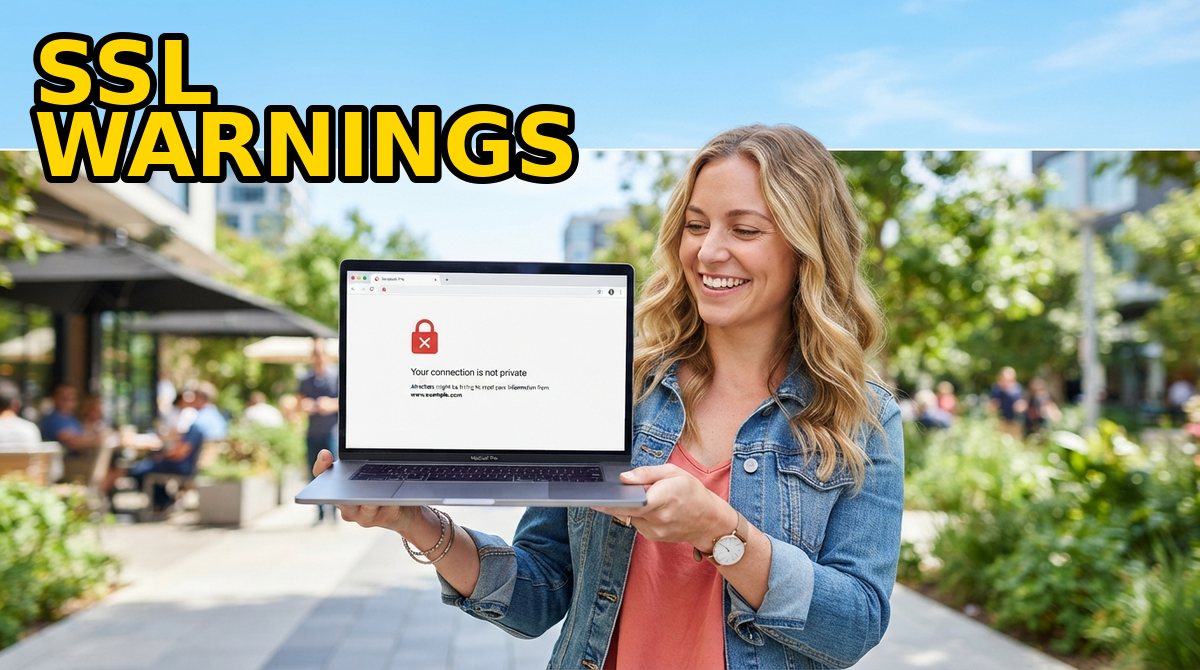
An expired SSL certificate is one of the few technical failures that every visitor sees, understands instantly, and remembers. There is no subtle degradation and no slow page — the browser simply stops, paints a warning, and asks your customer to trust it anyway. This guide explains exactly what an expired SSL certificate looks like in Chrome, Firefox, Edge and Safari, what it costs you in traffic and payments, why certificates now expire far more often than they used to, and the monitoring routine that keeps the warning from ever appearing.
🔒 What an Expired SSL Certificate Actually Is
A TLS certificate is a signed statement that a named domain belongs to a named key holder, and it carries an expiry date baked into the file itself. The format is defined by RFC 5280, which describes the validity field as “the time interval during which the CA warrants that it will maintain information about the status of the certificate”, encoded as two timestamps: notBefore and notAfter. Every handshake re-checks those two dates against the device clock, and the moment notAfter passes, a perfectly intact certificate becomes invalid.
The important consequence is that expiry is not a security breach and not necessarily an attack. Nothing was stolen and nothing needs rebuilding — the certificate simply stopped being valid, the same way a passport does. That is why the fix is usually a fifteen-minute reissue rather than an incident, and why the damage is almost entirely reputational and commercial rather than technical.
Two details make expiry worse than it looks. First, browsers validate the whole chain, so an expired intermediate or root can break a site whose own leaf certificate is still in date. Second, a certificate can also be rejected for being not yet valid — which almost always means the clock, not the certificate.
🖥️ What Browsers Show When an SSL Certificate Has Expired
Chrome and Edge render a “Privacy error” page headlined Your connection is not private. Under the surface the failure is reported as NET::ERR_CERT_DATE_INVALID, which Chromium’s own network error list defines as “the server responded with a certificate that, by our clock, appears to either not yet be valid or to have expired”. The code is -201, and the wording on the page names the domain and states that its security certificate expired recently. An Advanced panel offers a “Proceed” link, but it is small, frightening, and most visitors never look for it.
Firefox shows Warning: Potential Security Risk Ahead and reports SEC_ERROR_EXPIRED_CERTIFICATE from its NSS library, where that value is defined as SEC_ERROR_BASE + 11. Firefox distinguishes it from SEC_ERROR_EXPIRED_ISSUER_CERTIFICATE, the code you see when an intermediate in the chain has lapsed even though your own certificate has not.
Safari answers with This Connection Is Not Private and, like the others, hides any override behind an advanced step. On mobile browsers the warning is harder to dismiss still, and in-app browsers that feed link previews, checkout flows and payment redirects often treat an untrusted certificate as a hard stop rather than a warning. The net effect is the same everywhere: your page did not render, your brand was shown next to the words “not private”, and a share of visitors closed the tab instead of clicking through.
The clock is part of the check
Because validation compares the certificate against the local clock, a device with a wrong date rejects valid certificates as “not yet valid” — one of the three causes Chromium lists for its date error. Before reissuing anything in a panic, confirm the server and the device are actually on the correct time.
🚫 Why HSTS Sites Get No “Proceed Anyway” Button
The one situation where visitors genuinely cannot get through is a site served over HTTP Strict Transport Security. HSTS is a response header that tells the browser to refuse plain HTTP for that host for a set period, and RFC 6797 is explicit about what happens when the secure connection fails. Its “No User Recourse” section states that failing a secure connection “should be done with no user recourse”, so that “the user should not be presented with a dialog giving her the option to proceed”.
In practice: if you have ever enabled HSTS, or your domain appears on the browser preload list, an expired certificate produces a dead end. There is no Advanced button, no click-through, and no way for your customer to reach you until the certificate is replaced. For a store that is the worst possible failure mode — every visitor is locked out and every check-out in flight fails.
This is worth checking before you need it: a quick header inspection tells you whether a lapse will be a warning or a wall.
⚠️ What an Expired Certificate Actually Costs You
The direct losses compound quickly, and they are the reason certificate expiry belongs on the same risk list as a lapsed domain.
Traffic and rankings. Nobody can reach the page, so engagement collapses. Search engines eventually show a security warning next to the result and demote it, and recovery lags the fix itself — you restore the certificate in minutes but climb back over days.
Payments and integrations. Card gateways, webhook providers, shipping APIs and email services all validate certificates. An expiry can silently stop subscriptions, fail callbacks and drop transactional notifications.
Support cost and trust. Every visitor who sees the warning becomes a support ticket, and the ones who do not raise a ticket simply leave. A single day of an expired certificate on a checkout page typically costs more than a decade of certificates.
| Certificate type | Typical budget market range | Validation time |
|---|---|---|
| DV, single domain | $4–$10 per year | Minutes |
| DV wildcard | $40–$90 per year | Minutes |
| Multi-domain (SAN/UCC) | $30–$120 per year | Minutes to hours |
| OV, single domain | $10–$50 per year | 1–3 business days |
| EV, single domain | $80–$180 per year | 1–7 business days |
Ranges are typical budget-reseller market prices as of 2026, not a quote from any single store; confirm the live price before ordering. A certificate is one of the cheapest pieces of infrastructure you will ever buy, which is exactly why “we will deal with it later” is a bad trade.
🕐 Why Certificates Expire More Often Than They Used To
The operational risk has risen sharply because certificate lifetimes keep shrinking. The CA/Browser Forum, the body that sets the rules every public certificate authority must follow, adopted a schedule that reduces the maximum validity of a public TLS certificate from 398 days all the way to 47 days, starting in March 2026 and concluding in March 2029.
The published milestones are concrete: 398 days as the ceiling until 15 March 2026, a 200-day maximum from 15 March 2026, a 100-day maximum from 15 March 2027, and finally 47 days. The same schedule shortens how long domain-validation information may be reused.
The intent is security: a shorter window means a compromised key or a hijacked domain is exposed for less time. The side effect is operational, because a task you did once a year is becoming a task you do every few weeks. Anything remembered by a human calendar invite will eventually be missed at that frequency; anything automated will not.
🛠️ How to Avoid Expired SSL Certificates: A Monitoring Routine
Avoidance is a process, not a product, and it fits in five habits.
1. Keep one inventory of every certificate. List each hostname, its issuing CA, its expiry date and who owns the renewal. Include certificates on subdomains, staging hosts, mail servers and any load balancer or CDN that terminates TLS — most surprise expiries live in this shadow estate rather than on the main site.
2. Alert on 30 days, not 3. Set notifications at 30 and 14 days before notAfter. A month is enough time for a manual reissue, for an EV validation that needs documents, and for the maintenance window nobody wants at 2 a.m. Send the alerts to a role mailbox, not a personal one.
3. Automate anything on a schedule. Certificates issued through an ACME-style flow renew themselves, install themselves and reload the web server without a human in the loop. ACME is the same protocol behind the widely used free certificates, so automated renewal is no longer a premium feature.
4. Reduce the number of deadlines you maintain. A wildcard certificate covers a domain and all first-level subdomains with one expiry date; a multi-domain (SAN) certificate bundles several unrelated hostnames into one. Both turn five renewal dates into one.
5. Test the renewal path before you need it. Reissue once in a low-traffic window so you know the DNS or file challenge completes, that the certificate installs on your specific server or CDN, and that nobody accidentally blocked the validation email — the CA sends validation and document requests, not the reseller you bought from.
Automation still needs an owner
Automatic renewal only covers certificates that were issued automatically. A certificate you bought by hand will expire by hand unless it is in the inventory, so audit for hand-issued certificates once a quarter and move them onto the automated path.
A real certificate for the price of a coffee, issued in minutes
If you need a paid, warranty-backed certificate rather than a free one — DV, wildcard, OV or EV — a budget reseller is the cheapest route to it.
🚑 Emergency Recovery: The First Hour After Expiry
Confirm the cause. Inspect the served certificate, not the one in your files, and check both the leaf and the chain. A lapsed intermediate looks exactly like a lapsed certificate from the browser’s point of view, and replacing the wrong one wastes the outage.
Reissue with the same key and CSR where the CA allows it. Reusing the existing private key and signing request removes an installation step and keeps any pinning or pre-shared configuration intact. Most stores let you reissue, replace or reactivate a certificate from the account dashboard without contacting anyone.
Validate through the fastest channel available. DNS challenges avoid email delays entirely and are the right default for automated and manual renewals alike.
Install, then verify the chain, not just the padlock. Confirm the full chain is served and check the new notAfter date, rather than trusting the browser’s icon.
Purge the cache and restart the web server. A CDN can keep serving the old certificate from its edge cache, and some servers hold the old certificate in memory until reloaded. Purge, reload, then re-test from a clean session.
🏷️ Where to Get a Certificate, and What You Are Paying For
There are three honest options. Free automated certificates cost nothing and are the correct default for hobby sites, internal tools and anything with no commercial traffic. A paid certificate from a reseller costs a few dollars a year and adds a browser warranty, commercial support and a familiar CA behind it — without the enterprise price tag.
If you want the middle option, the sensible move is to buy from a store that resells certificates issued by a large certificate authority rather than trying to find the cheapest possible vendor. SSLs.com is one of the better-known budget stores: it resells certificates issued by Sectigo, covering domain, organization and extended validation levels plus wildcard and multi-domain options, with DV issuance usually measured in minutes and free reissues and replacements during the certificate’s life. It is the classic discount-reseller trade-off — excellent prices and a self-service dashboard, offset by renewal prices that can rise above the first-year promotion and support that runs on chat and tickets rather than a phone line.
📋 Prevent Expired SSL Certificates: The Short Checklist
Inventory: every hostname and certificate in one list, including subdomains, staging, mail and CDN-terminated TLS.
Alerts: 30 and 14 days before expiry, sent to a role mailbox that survives staff changes.
Automation: ACME-style renewal for anything that supports it, with a named owner for the rest.
Consolidation: wildcard and SAN certificates to turn several deadlines into one.
Testing: one deliberate reissue before you need it, in a quiet window.
Recovery kit: know your reissue path, your validation channel and your CDN purge button before the warning page appears.
Disclosure: this article contains an affiliate link. If you buy through it, we may earn a commission at no additional cost to you, and it does not change what we recommend. Browser error codes are quoted from Chromium’s network error list and the NSS error header; the validity definition is RFC 5280 §4.1.2.5; HSTS behaviour is RFC 6797 §12.1; certificate-lifetime milestones follow the CA/Browser Forum’s adopted schedule. Price ranges are typical budget-reseller market figures for 2026, not a quote from any single store.
❓ Frequently Asked Questions
Is an expired SSL certificate dangerous?
It is not a breach, but it is a hard stop: browsers block the page with a warning, and on a site with HSTS there is no click-through at all. The risk is lost traffic, failed payments and a visible trust hit rather than stolen data.
Why does my browser say the certificate is not yet valid when it is not expired?
Because validation compares the certificate against the device clock. A wrong system date — a laptop asleep for weeks, a server with failed time sync — makes a valid certificate look early, which Chromium lists as a cause of its date error.
How long do SSL certificates last now?
Public TLS certificates can last a maximum of 200 days since 15 March 2026, down from 398 days. The adopted schedule reduces the ceiling to 100 days from 15 March 2027 and eventually to 47 days by March 2029, which is why automated renewal has become the practical default.
Do I need a paid certificate, or is a free one enough?
A free automated certificate encrypts the same traffic and suits hobby sites and internal tools. Paid certificates buy a browser warranty, commercial support, a familiar issuing authority, or organization validation to display a verified business identity.
What is the fastest way to fix an expired certificate?
Reissue with the existing key and CSR, validate by DNS rather than email, install and verify the full chain, then purge the CDN cache and reload the web server. Most domain-validated reissues are issued within minutes.
⭐ READ OUR FULL REVIEWFeatures, pricing and our honest verdict →
Read next



Travel Hacks Guide Editorial Standards & Testing Methodology
At Travel Hacks Guide, we independently evaluate car rentals, international eSIMs, flight booking engines, and travel insurance. We never accept payment for ranking or recommendations. When you book via links on our site, we may earn an affiliate commission at no extra cost to you.